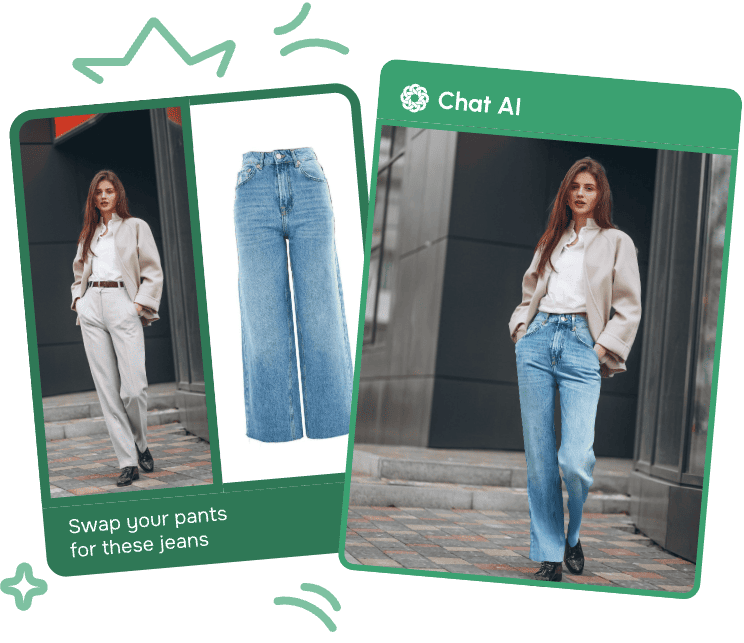
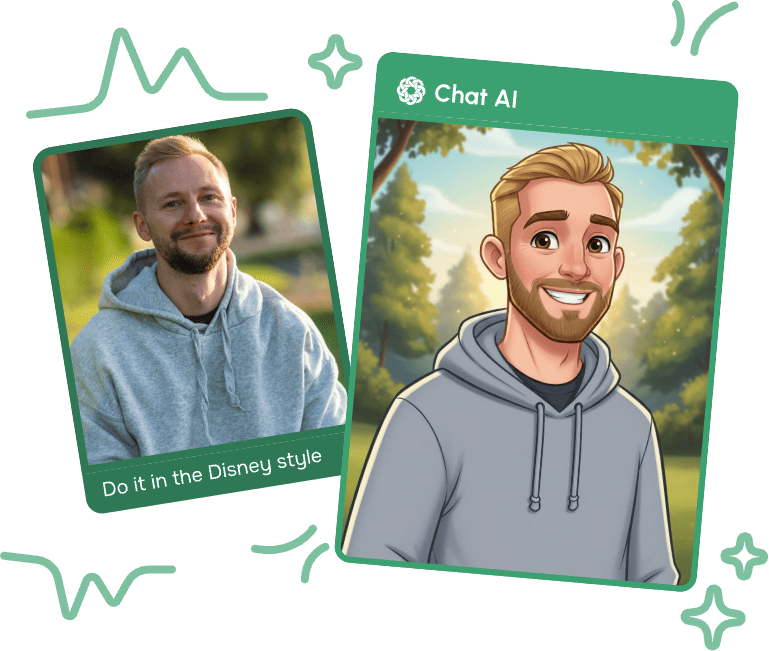
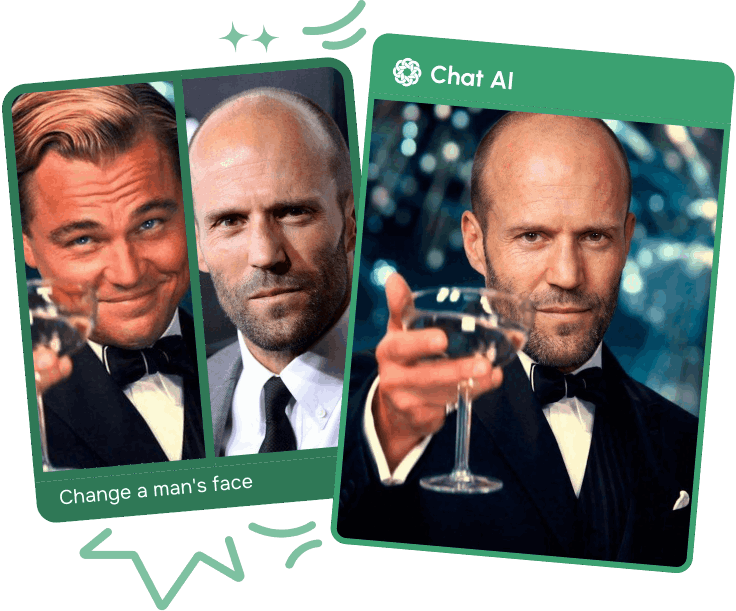
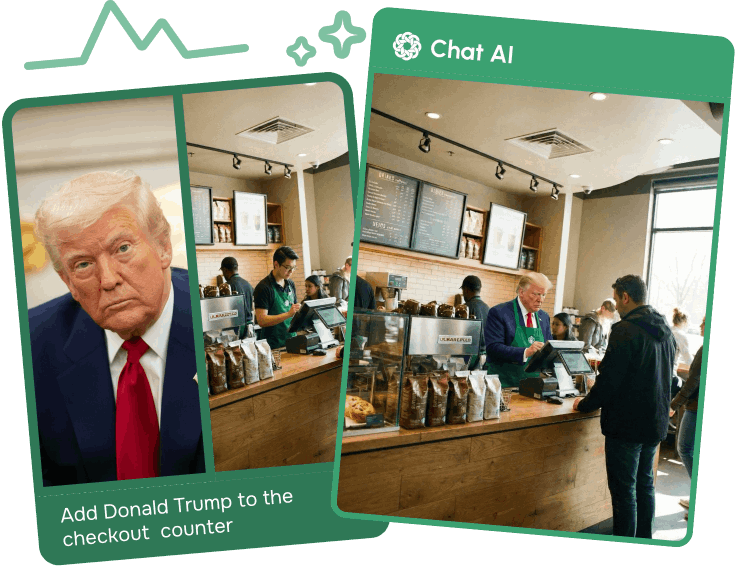
Edit photos in one click
More Features in the Service
One service instead of ten
We've gathered the best models in one place. Save time and get results faster


One Subscription Works on All Platforms
Create and use AI in familiar services - quickly and convenientlyMobile Application
Download the mobile app — work with AI anywhere: on the go, at a meeting or at home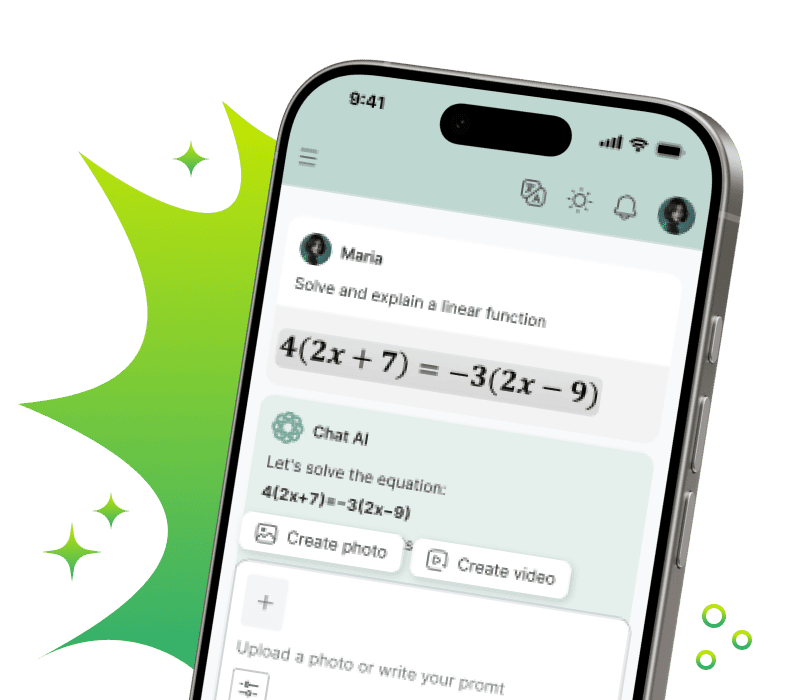
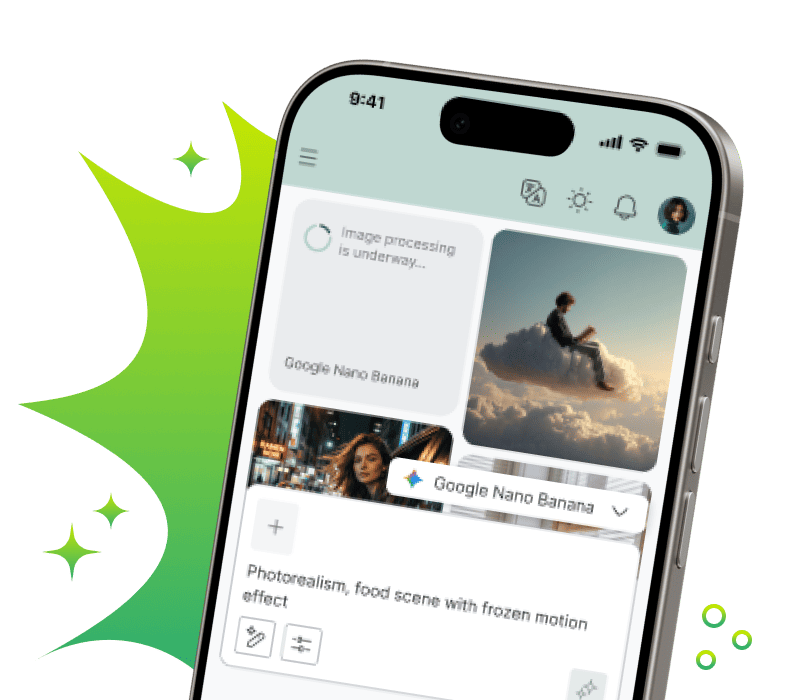
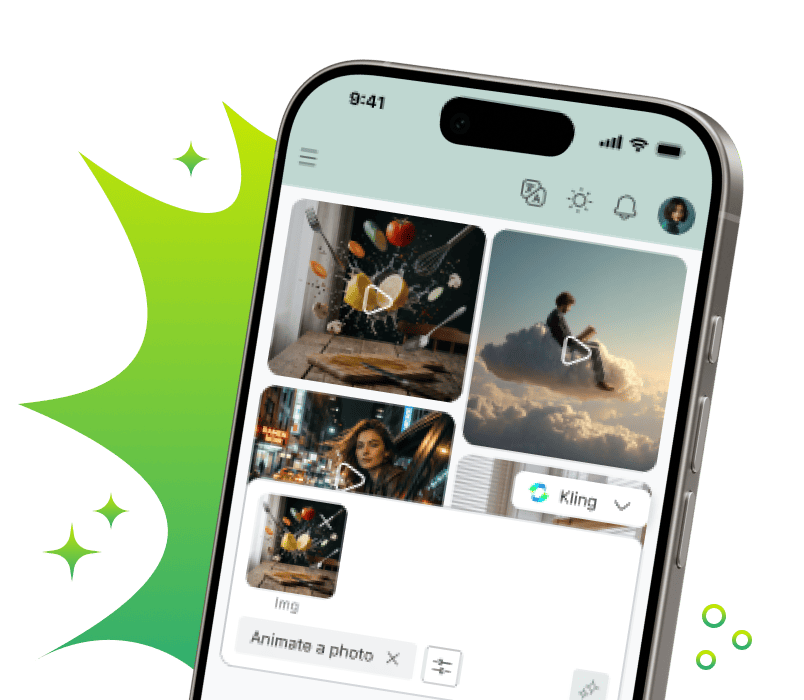
In Telegram - where you communicate
Create content, respond to clients, learn and work with neural networks — right in the chat
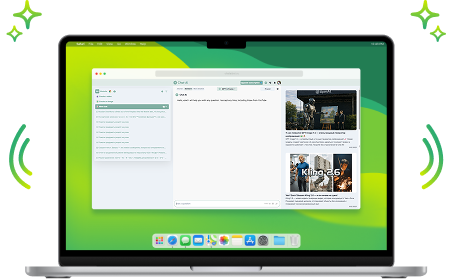
Browser Extension
Write posts, emails and comments, improve text, translate and generate ideas directly in website fields. AI where you work
Your Personal AI Assistant

Helps with Studies
Writes unique text, simplifies complex topics and helps prepare for exams
Unloads at Work
Compiles and analyzes documents, emails and reports. Working with Word, Excel and PDF becomes many times easier
Writes and Fixes Code
Writes code in any language, finds errors and optimizes scripts. Your personal code reviewer 24/7
Creates Content
Generates posts, creates images and videos for social networks, writes sales copy
Entertains and Develops
Answers questions, creates recipes and suggests hobby ideas. Your smart companion and home assistant
Saves Time
Helps teachers create study guides, and doctors — medical instructions. Takes over routine documentationChoose a pricing plan for your tasks
-
Free
For the simplest requests
0 €Start for free-
 Monthly requests500
 -
Message length2 500 symbols
-
Limited access to base models
-
Internet searchGemini 3.5 Flash Search
-
Image and logo generation + text overlayGPT Image 2Google Nano Banana 2Ideogram 4 TurboMidjourney 8.1Reve 2.0
-
Solving problems using photographs, as well as analyzing images and documents
-
Convenient organization of chats for any projects
-
-
The most popular
Premium 💎
Optimal for studying and working
750 € /monthStart-
Monthly requests2 500
-
Message length100 000 symbols
-
Everything from the free plan, plus:
-
Full access to GPT-5.6 and other everyday models
-
In-depth expert answers
-
Access to advanced models for image generationGPT Image 2 HighGoogle Nano Banana ProRecraft V4.1 Pro
-
Creating a video from textKLING O1Seedance 2.0 FastGemini Omni
-
Unlimited ♾️GPT-5.4 nano
-
Improved search with source verificationPerplexity Reasoning Pro
-
Voice assistant and document analysis
-
Create your own AI assistants for routine tasks
-
-
Pro 🚀
For professional use
2 000 € /monthStart-
Monthly requests7 000
-
Message length2 000 000 symbols
-
All Premium features, plus:
-
Professional videos for social mediaSora 2Kling 3.0 StandardSeedance 2.0
-
More requests - more freedom
-
-
Business 💼
The best option for teams
5 000 € /monthStart-
Monthly requests20 000
-
Message length2 000 000 symbols
-
All Pro features, plus:
-
Personal manager
-
Access to all models we offer
-
One subscription for the whole team
-
Employee expense management
-
Create your own AI assistants based on your company
-
High-quality videos with sound support
-


Сreated today
 Answers
 Images
 Videos
Any questions left?
For example, simple AI models spend one request from your package per your message. More advanced neural networks may use, for example, three requests for one message.
This is because they:
- Are more powerful and smarter
- Require more computational resources to generate a quality response
- Have higher cost price and final price
- If you regularly hit the limit and understand it won't be enough going forward, we recommend switching to a higher plan
- If you need more requests only occasionally, you can purchase them separately
We also keep old versions of neural networks for a while in case the new one proves unstable. The full and up-to-date list of available neural networks can be viewed here
- In the bot: use the /unsubscribe command and follow the instructions
- In the web version: click on your profile icon in the top right corner, go to settings, and find the “Unsubscribe” button
But it's better not to cancel anything, of course, because soon robots will take over the world, and we don't see much point in resisting 😉
Despite the name, any individual can subscribe to this plan. It's perfect for a family or small team, for example.
Latest Updates

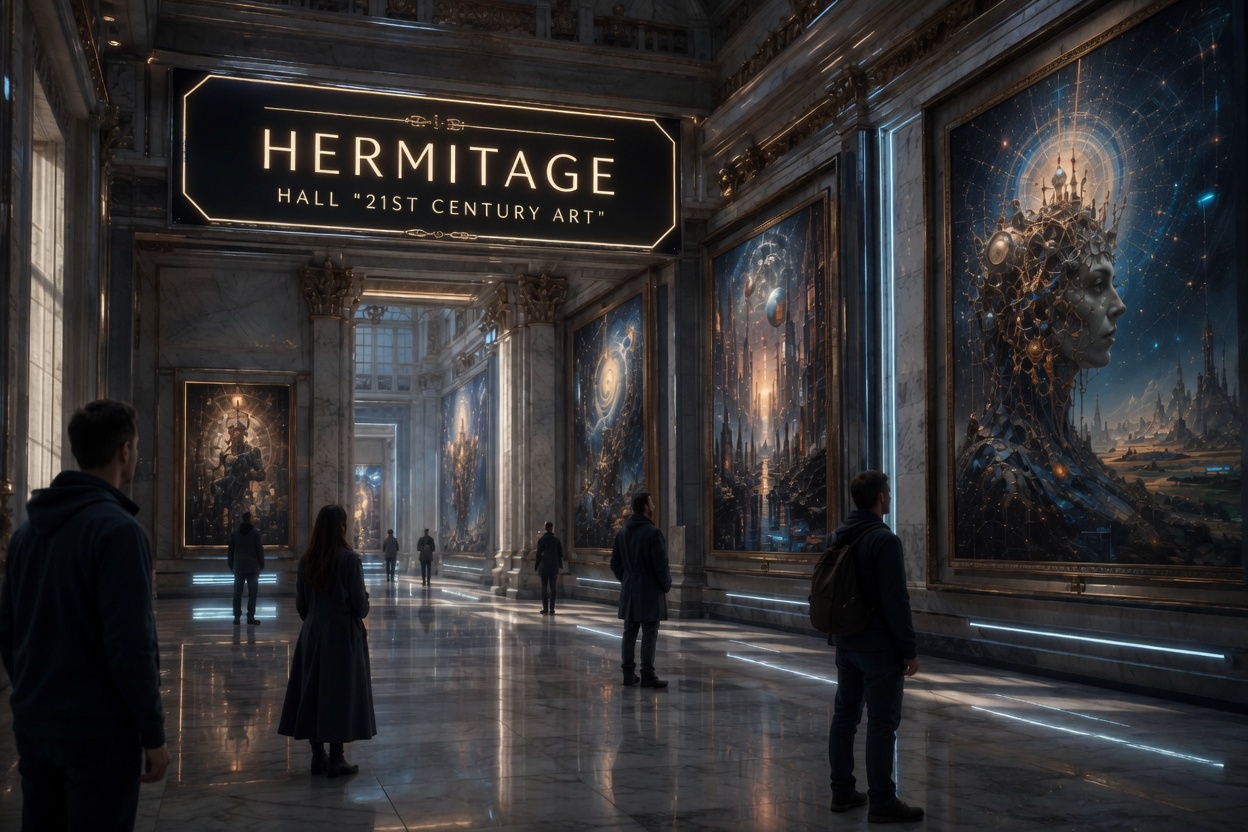
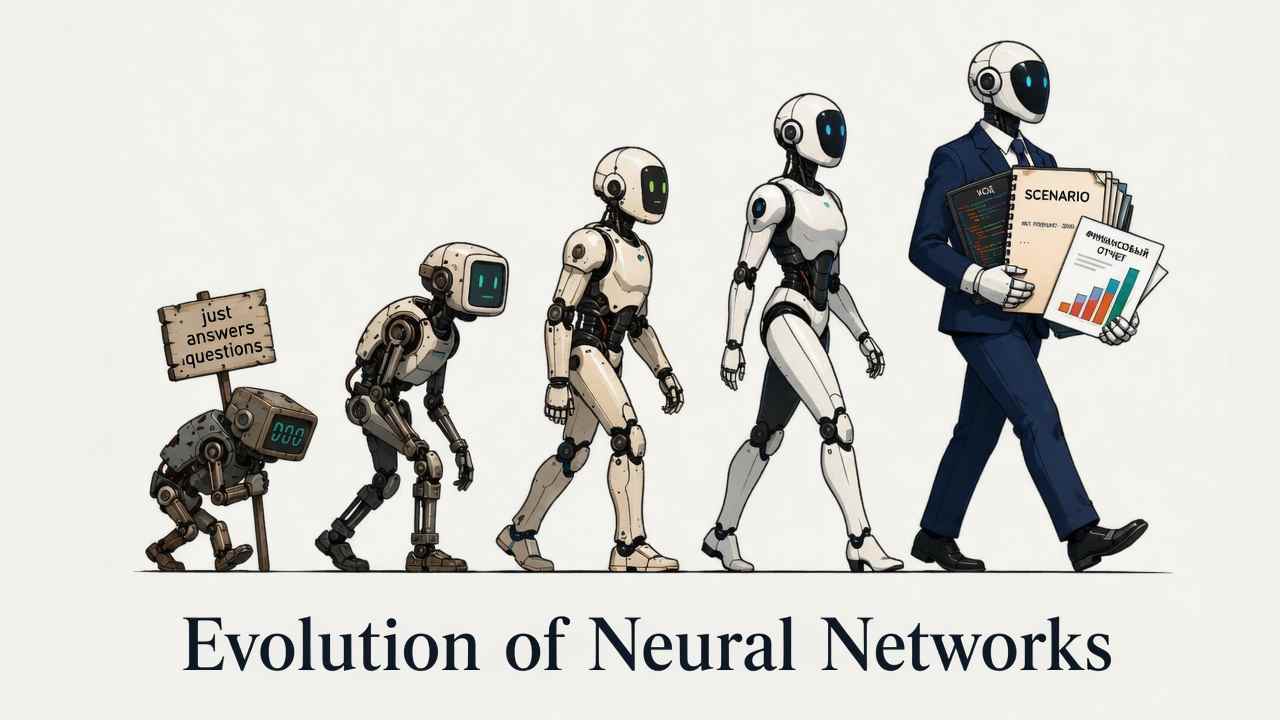
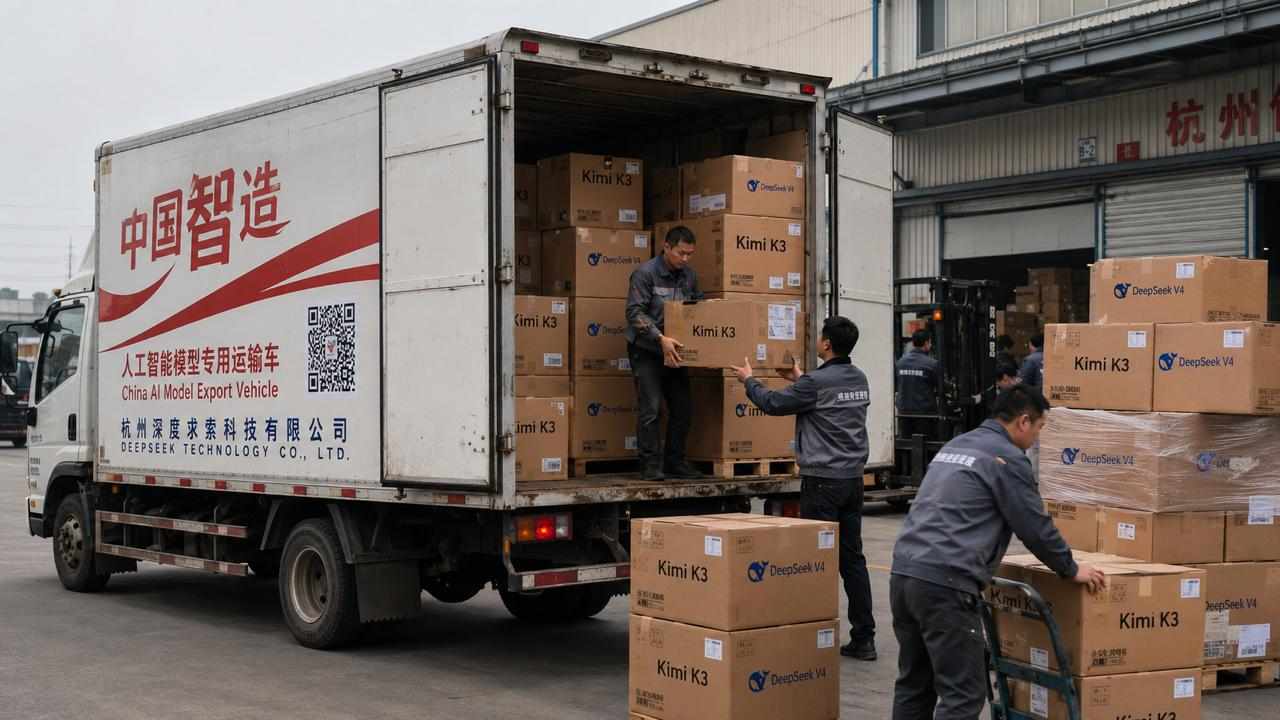
Reve 2.0 is a new generative model for creating images from text descriptions. It represents a notable evolution of algorithms: the neural network understands prompts more accurately, generates pictures in seconds, and delivers results that are hard to distinguish from the work of a professional photographer or illustrator. The model confidently handles complex multi-part prompts — where previous generations of generators got lost, Reve 2.0 builds a coherent composition.
You can try Reve 2.0 for free and without a VPN right now on the chataibot.pro platform — registration takes a minute, no foreign accounts required.
Why is Reve 2.0 better than other neural networks?
There are dozens of AI generators on the market, but Reve 2.0 stands out with three specific qualities that are visible from your very first generations.
Photorealism and detail
The model accurately renders the textures of skin, fabric, metal, and glass, physically believable lighting, and depth of field. Portraits don't suffer from the typical artifacts of older models: distorted fingers, "plastic" skin, asymmetrical faces. Backgrounds are rendered with high detail even in distant planes.
Text on images
Reve 2.0 can embed readable text into a picture: signs, logos, packaging, posters. This is a rare capability among neural networks — most models produce an unreadable jumble of symbols. Here, text preserves typographic logic and fits correctly onto the surface of an object.
Understanding complex prompts
The model processes multi-layered requests: several objects, their interaction, a specified camera angle, color palette, and style — all in a single description. The neural network doesn't "lose" details from the middle of the prompt and handles long, elaborate descriptions with equal precision.
How to write prompts for Reve 2.0 correctly?
The quality of the result depends directly on the precision of your request. A working prompt structure looks like this: Subject + Action + Environment + Lighting + Style. The more thoroughly you fill in each block, the closer the picture will be to your vision.
Examples of working prompts:
- Photorealistic portrait: "An elderly fisherman looking at the camera, seaport at dawn, soft warm light, fine wrinkles and water droplets on his face, film photography, shallow depth of field".
- Cyberpunk sign: "A neon sign reading 'RAMEN 24/7' above a bar entrance, night megacity in the rain, neon reflections in puddles, cyberpunk style, cold purple-blue tones".
- Art illustration: "A fox sleeping under a giant mushroom in a magical forest, fireflies, diffused moonlight, watercolor illustration, pastel palette, children's book graphics".
A useful trick: specify what should not be in the frame — this helps exclude unwanted objects and clean up the composition.
Using generated images
Pictures created with Reve 2.0 solve real business problems, not just serve as creative experiments.
- For marketers — creatives for ad campaigns, banners, and landing page images without spending on stock photos or photo shoots. Fast A/B testing of visuals: dozens of variants per hour.
- For designers — concept art, mood boards, references, and drafts for further refinement. The model dramatically speeds up the idea-finding stage.
- For bloggers and SMM — post covers, stories, avatars, and unique illustrations that make content stand out in the feed and never repeat what competitors have.
- For business — product images, packaging visualization, illustrations for presentations and corporate materials without hiring contractors.
How to get started right now?
You can start generating images with Reve 2.0 in a couple of minutes — no special skills required.
- Open the platform. Go to chataibot.pro — the service works directly without a VPN.
- Select the Reve 2.0 model from the list of available neural networks.
- Describe the scene. Enter a prompt following the structure: subject, action, environment, lighting, style.
- Run the generation and download the result. The image will be ready in a few seconds. Not happy with the result? Refine the prompt and try again.
Your first generations are available for free — evaluate the model's capabilities without any investment.
Frequently Asked Questions (FAQ)
Can I use the pictures for commercial purposes?
Yes. Generated images can be used in advertising, on websites, on social media, and in printed materials. We recommend avoiding prompts with recognizable brands and real people to eliminate legal risks.
Do I need to write prompts in a specific language?
No. Reve 2.0 understands prompts in multiple languages — including complex multi-part descriptions. English prompts may offer slightly more variety in certain styles, but they are not mandatory.
How long does generation take?
On average, from a few seconds to half a minute, depending on the complexity of the request and the service load. There are no waiting queues, typical of many other generators, on chataibot.pro.