Edit photos in one click
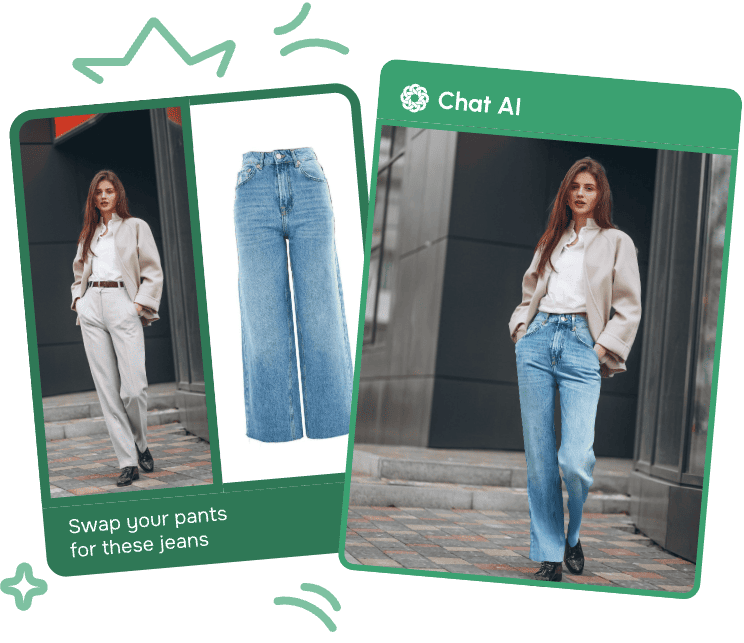
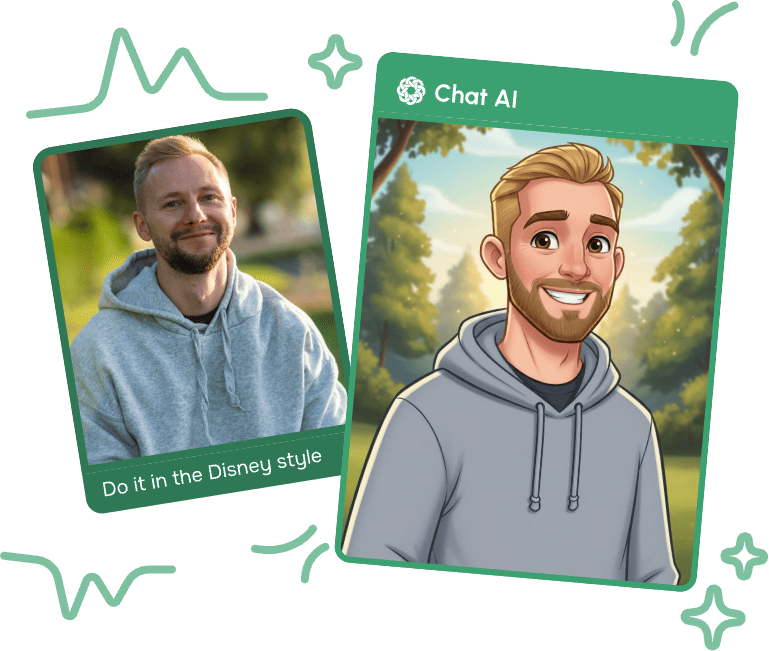
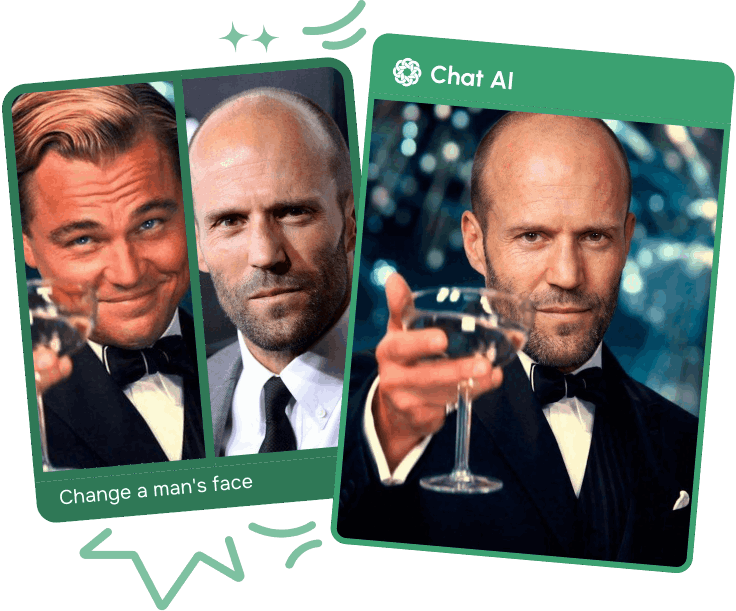

More Features in the Service
One service instead of ten
We've gathered the best models in one place. Save time and get results faster


One Subscription Works on All Platforms
Create and use AI in familiar services - quickly and convenientlyMobile Application
Download the mobile app — work with AI anywhere: on the go, at a meeting or at home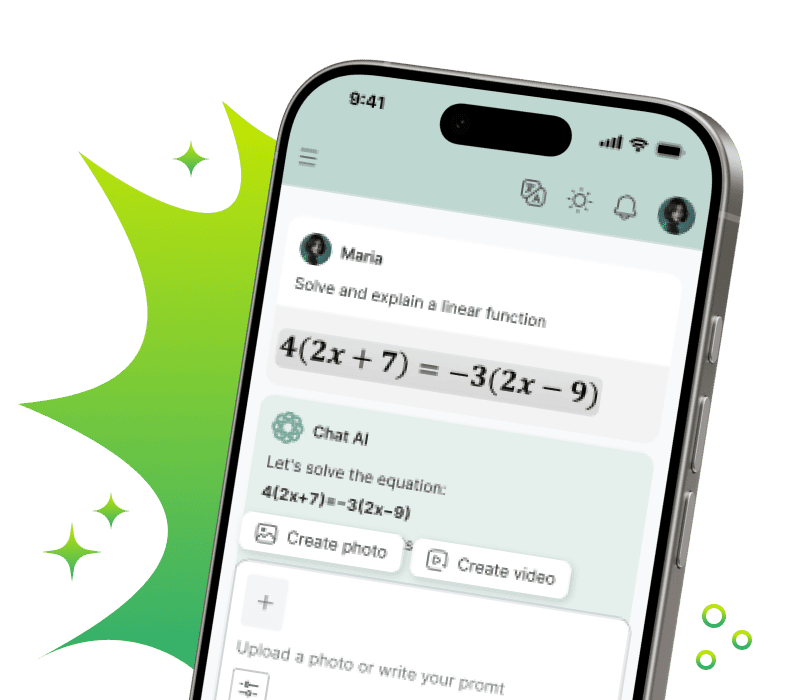
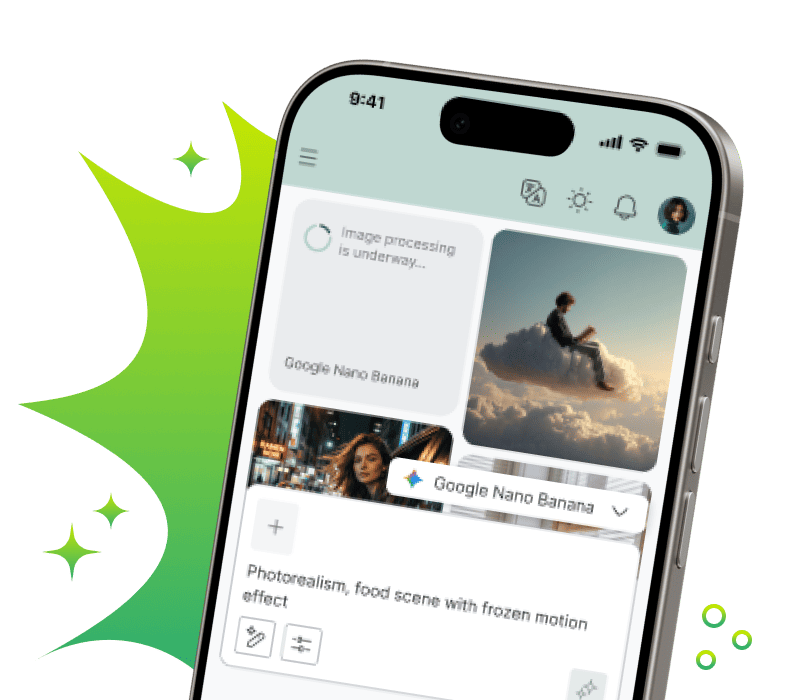
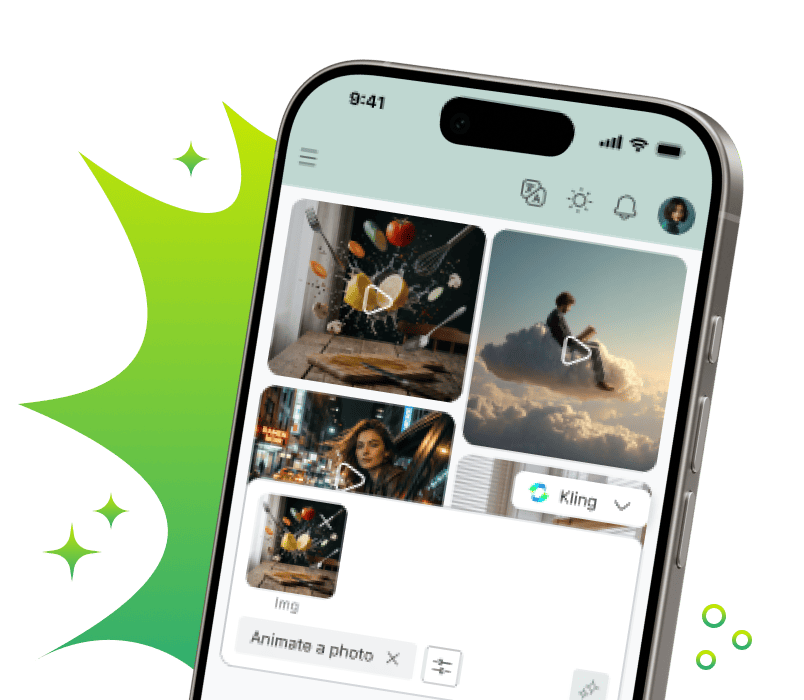


In Telegram - where you communicate
Create content, respond to clients, learn and work with neural networks — right in the chat
Browser Extension
Write posts, emails and comments, improve text, translate and generate ideas directly in website fields. AI where you work
Your Personal AI Assistant

Helps with Studies
Writes unique text, simplifies complex topics and helps prepare for exams
Unloads at Work
Compiles and analyzes documents, emails and reports. Working with Word, Excel and PDF becomes many times easier
Writes and Fixes Code
Writes code in any language, finds errors and optimizes scripts. Your personal code reviewer 24/7
Creates Content
Generates posts, creates images and videos for social networks, writes sales copy
Entertains and Develops
Answers questions, creates recipes and suggests hobby ideas. Your smart companion and home assistant
Saves Time
Helps teachers create study guides, and doctors — medical instructions. Takes over routine documentationChoose a pricing plan for your tasks
-
Free
For the simplest requests
0 €Start for free-
 Monthly requests500
 -
Message length2 500 symbols
-
Limited access to base models
-
Internet searchGPT-5.6 Terra SearchGemini 3.8 Flash Search
-
Image and logo generation + text overlayGPT Image 2Google Nano Banana 2.1Ideogram 4 TurboMidjourney 8.2Seedream 5.0 Pro
-
Solving problems using photographs, as well as analyzing images and documents
-
Convenient organization of chats for any projects
-
-
The most popular
Premium 💎
Optimal for studying and working
750 € /monthStart-
Monthly requests2 500
-
Message length100 000 symbols
-
Everything from the free plan, plus:
-
Full access to GPT-6 and other everyday models
-
In-depth expert answers
-
Access to advanced models for image generationGPT Image 2 HighGoogle Nano Banana ProRecraft V4.1 Pro
-
Creating a video from textKLING O1Seedance 2.0 FastGemini Omni 1.1 Flash
-
Unlimited ♾️GPT-6 Luna
-
Improved search with source verificationPerplexity Reasoning Pro
-
Voice assistant and document analysis
-
Create your own AI assistants for routine tasks
-
-
Pro 🚀
For professional use
2 000 € /monthStart-
Monthly requests7 000
-
Message length2 000 000 symbols
-
All Premium features, plus:
-
Professional videos for social mediaKling 3.0 StandardSeedance 2.0
-
More requests - more freedom
-
-
Business 💼
The best option for teams
5 000 € /monthStart-
Monthly requests20 000
-
Message length2 000 000 symbols
-
All Pro features, plus:
-
Personal manager
-
Access to all models we offer
-
One subscription for the whole team
-
Employee expense management
-
Create your own AI assistants based on your company
-
High-quality videos with sound support
-


Created today
 Answers
 Images
 Videos
Any questions left?

For example, simple AI models spend one request from your package per your message. More advanced neural networks may use, for example, three requests for one message.
This is because they:
- Are more powerful and smarter
- Require more computational resources to generate a quality response
- Have higher cost price and final price
- If you regularly hit the limit and understand it won't be enough going forward, we recommend switching to a higher plan
- If you need more requests only occasionally, you can purchase them separately
We also keep old versions of neural networks for a while in case the new one proves unstable. The full and up-to-date list of available neural networks can be viewed here
- In the bot: use the /unsubscribe command and follow the instructions
- In the web version: click on your profile icon in the top right corner, go to settings, and find the “Unsubscribe” button
But it's better not to cancel anything, of course, because soon robots will take over the world, and we don't see much point in resisting 😉
Despite the name, any individual can subscribe to this plan. It's perfect for a family or small team, for example.
Latest Updates


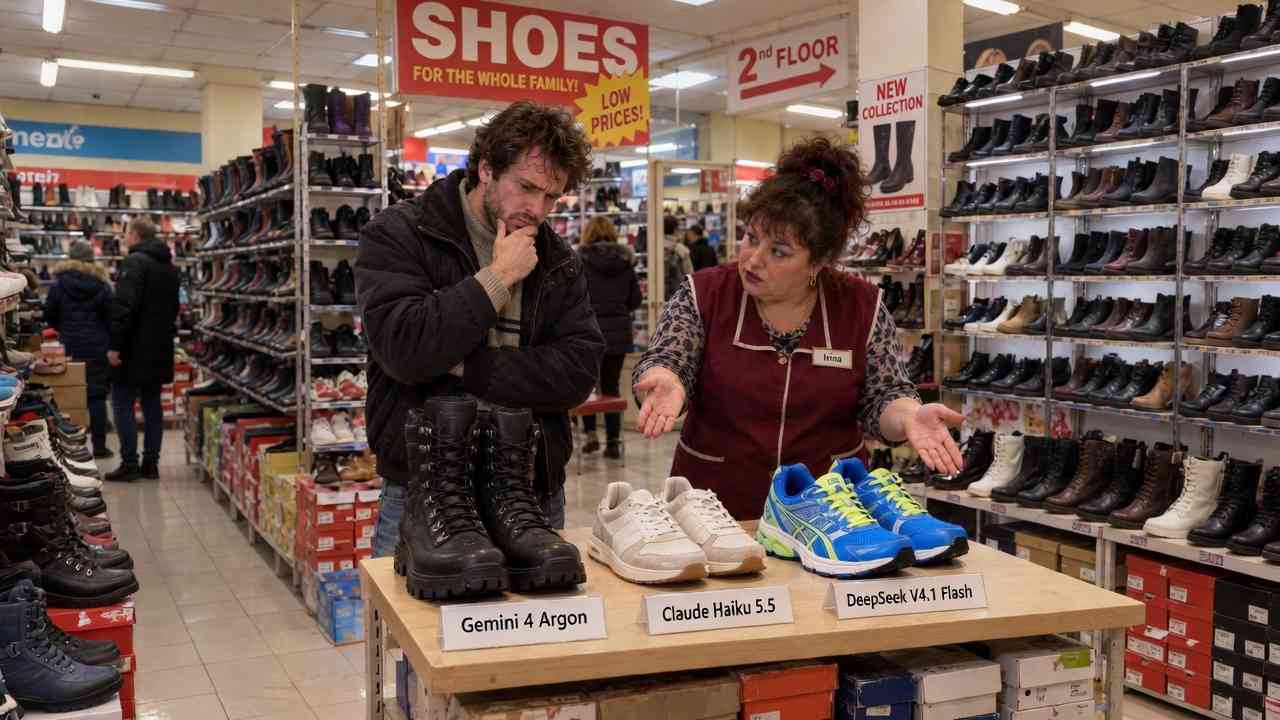

Microsoft MAI-Image-2.5: an AI for photorealistic images
MAI-Image-2.5 is a Microsoft model for creating and editing images from a text description. It generates photorealistic shots and makes precise edits to existing photos without affecting the rest of the picture. In the independent Arena.ai ranking, the model made the top three for generation quality and took high positions in editing. You can try it for free right here, on
our platform.
How is MAI-Image-2.5 better than other neural networks?
Microsoft develops the MAI lineup as its own technology, not as an add-on built on top of someone else's solutions. The new version outperforms its predecessors in detail, accuracy, and text handling. The model comes in two variants: the standard one focuses on maximum detail, while the accelerated Flash is designed for high-volume tasks. Below we'll look at three areas where the difference is most noticeable.
Photorealism and detail
The model understands the structure of a scene: object placement, light sources, scale, and shadows. As a result, an added object fits into the frame with correct perspective, while skin and materials look natural. This level of photorealistic generation is suitable for ad layouts and product photography. A particular strength is precise image editing: you can replace an object or remove unwanted elements without touching the rest of the frame. According to Microsoft, version 2.5 works faster than the previous one and costs less at comparable quality.
Working with text in images
Most neural networks confuse letters and produce unreadable captions. MAI-Image-2.5 renders text noticeably more accurately: poster headlines, packaging labels, signage. This solves a common pain point for designers who used to redraw letters by hand. Correct rendering is especially important for brand materials and presentations.
Understanding complex prompts
The more detailed the request, the more precise the result. The model holds several conditions at once: style, angle, lighting, and composition. It follows the instruction closely to your intent rather than producing an averaged image. The image-to-image mode changes a single fragment and keeps the character's face and pose unchanged.
How to write prompts for MAI-Image-2.5 correctly?
The quality of the result directly depends on the wording. A good prompt describes not only the object but also the shooting conditions. A clear request structure saves time and reduces the number of repeat generations.
The working formula looks like this:
- Object and action — who or what is in the frame.
- Environment and background — where the scene takes place.
- Style and angle — photo, illustration, viewing angle.
- Light and atmosphere — soft, contrasty, or warm.
Examples of prompts that give predictable results:
- "A cup of coffee on a wooden table by the window, morning light, close-up photo, soft shadows";
- "Portrait of a craftsman in a workshop, natural side lighting, warm tones, realistic skin texture";
- "A coffee shop poster with the word SALE, minimalism, beige palette, a crisp centered font".
Using generated images
Ready-made images cover the tasks of various professionals. The tool meets the needs of both marketing departments at large companies and freelancers.
- marketers — banners, ad creatives, and variations for A/B tests;
- designers — quick concepts, moodboards, and rough mockups;
- bloggers and SMM — covers, post illustrations, and story designs;
- businesses — product cards, presentations, and branded materials.
This approach speeds up the work: instead of sifting through stock photos, a specialist assembles the needed shot in a minute. It reduces shooting costs and helps test hypotheses faster. The team gets a consistent style of materials, and edits to a finished visual are made without a new photo shoot.
How to get started right now?
We've opened access to the model right on this page — a separate account in the Microsoft cloud and working with an API are not required. Officially the model is available through Microsoft services, for example MAI Playground, but here everything is simpler. You enter a request in your language, set the parameters, and start generation. The service handles the technical part for you, so MAI-Image-2.5 works in one clear interface without development skills.
Frequently asked questions (FAQ)
Can the images be used for commercial purposes?
As a rule, generated images are suitable for commercial tasks, but check the terms against the rules of the specific service. This protects you from disputes over copyright and helps avoid claims from clients. According to Microsoft's usage terms, the created content is available for commercial use, but we recommend checking the current offer on the service's page.
Do I need to know English?
No, you can write the request in your own language. The model also understands short English terms, which is convenient for established style and angle designations.
How long does generation take?
Usually an image is ready in just a few seconds. The exact speed depends on the complexity of the request and the current load on the service.